컴박사

  • 홈
  • 태그
  • 방명록

PyQt5 2

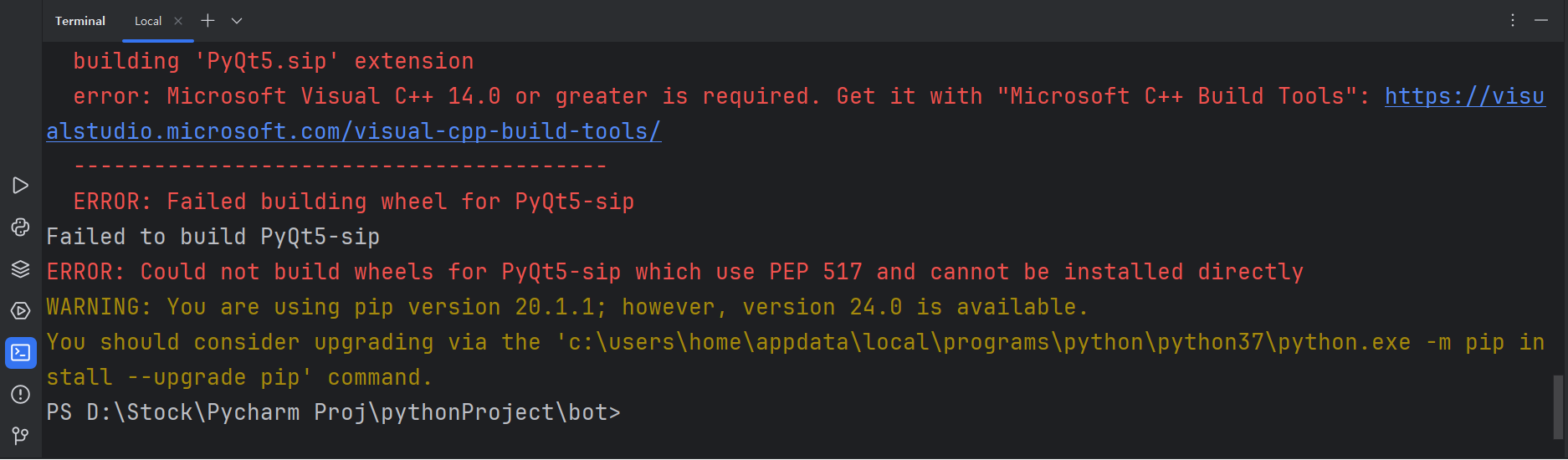
파이썬 PyQt5 설치 에러 해결 방법(building 'PyQt5.sip' extension error: Microsoft Visual C++ 14.0 or greater is required. Get it with "Microsoft C++ Build Tools")

에러 메세지 building 'PyQt5.sip' extension error: Microsoft Visual C++ 14.0 or greater is required. Get it with "Microsoft C++ Build Tools"위 에러를 보면 Microsoft Visual C++ 14.0 버전 이상으로 업데이트 하라는 거다. 아래 링크에 들어가서 https://visualstudio.microsoft.com/ko/visual-cpp-build-tools/ Microsoft C++ Build Tools - Visual Studio visualstudio.microsoft.comBuild Tools 다운로드 버튼을 누른다. 다운로드 하면 브라우저 오른쪽 상단에  vs_BuildTools.exe ..
파이썬 프로그래밍(Python Programming) 2024.07.14

파이썬 PyQt5를 찾을 수 없는 에러 해결 방법(ModuleNotFoundError: No module named 'PyQt5')

에러 메세지 ModuleNotFoundError: No module named 'PyQt5'PyQt5 모듈을 찾을 수 없다는 에러다. 해결 방법Pycharm의 콘솔창에서 PyQt5를 설치 해주면 된다. pip install PyQt5

파이썬 프로그래밍(Python Programming) 2024.07.07
이전
1
다음
더보기
프로필사진

컴박사

컴퓨터, 인터넷, windows10, 파이썬 프로그래밍(Python Programming) 등의 IT 관련 블로그

  • 분류 전체보기 (16)
    • Windows 10 (5)
    • 파이썬 프로그래밍(Python Programmin.. (10)
    • 한글 (1)

Tag

lxml import 에러 해결 방법, PyQt5, building 'pyqt5.sip' extension error, nlok, pip install, microsoft visual c++ 14.0 or greater is required, pyqt5 설치 에러, lxml import, modulenotfounderror: no module named 'sqlalchemy', ddclient, pymysql 해결 방법, n8n, modulenotfounderror: no module named 'pymysql', lxml import 에러, pymysql 오류, pymysql 에러, 구글클라우드서버, anaconda는 64bit 환경입니다. 32bit 환경으로 실행하여 주시기 바랍니다., 체크박스 다운로드, 특수 문자 찾기,

최근글과 인기글

  • 최근글
  • 인기글

최근댓글

공지사항

페이스북 트위터 플러그인

  • Facebook
  • Twitter

Archives

Calendar

«   2026/01   »
일 월 화 수 목 금 토
1 2 3
4 5 6 7 8 9 10
11 12 13 14 15 16 17
18 19 20 21 22 23 24
25 26 27 28 29 30 31

방문자수Total

  • Today :
  • Yesterday :

Copyright © AXZ Corp. All rights reserved.

티스토리툴바